

Error 153 – Video Player Configuration Error
When you embed a YouTube video and see:
Error 153 – Video player configuration error
YouTube Error 153 – Video player configuration error
…it means your browser is blocking the YouTube player because of missing or incorrect referrer policy or cross-origin settings.
Why This Happens
Modern browsers have tightened how websites share data between domains.
If your embedded YouTube iframe doesn’t include the correct referrer policy, YouTube can’t verify the request properly — leading to Error 153.
Common causes include:
- Missing
referrerpolicyattribute - Caching or security plugins removing headers
- Overly strict
Referrer-Policyheaders (likeno-referrer)
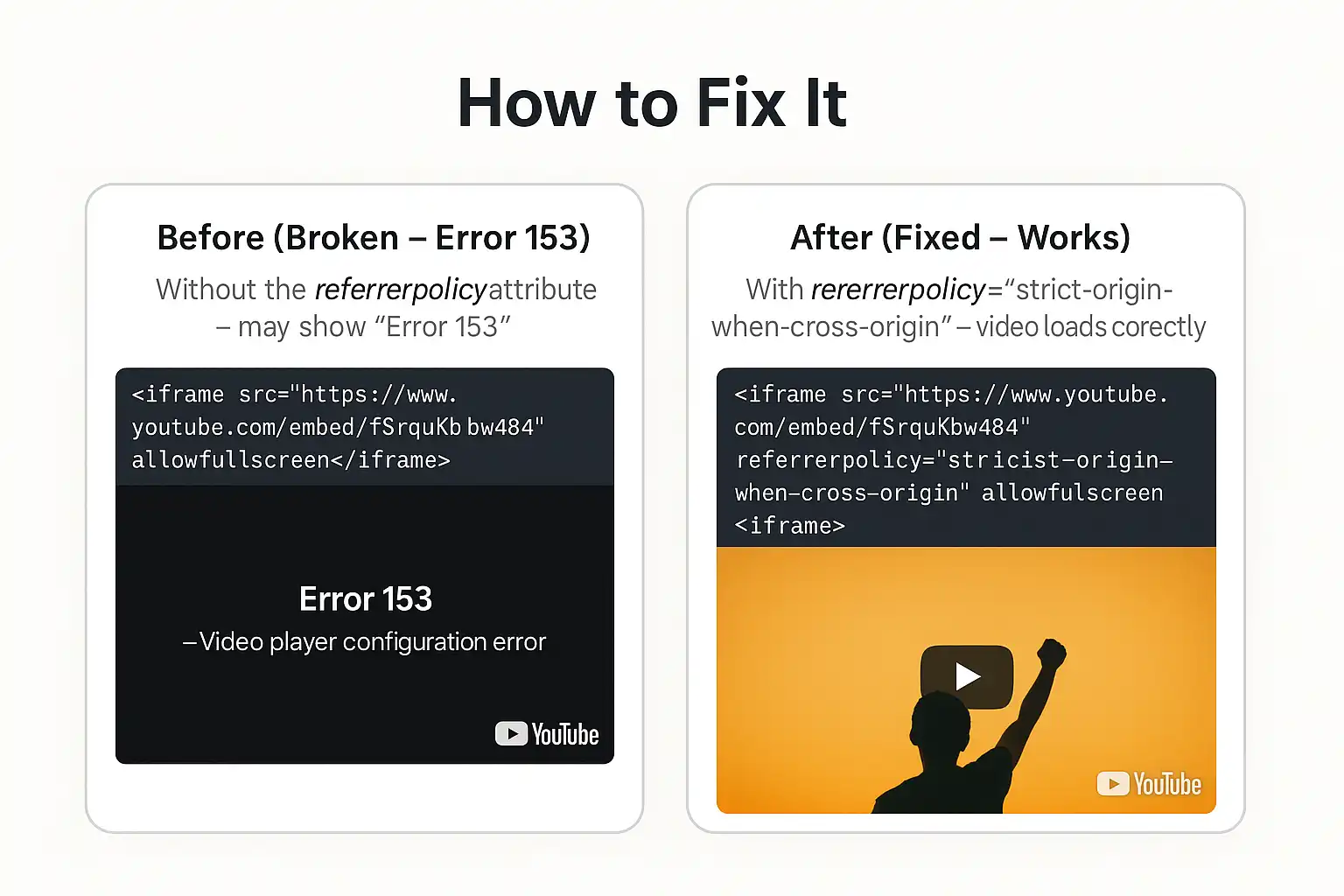
How to Fix It
Add the referrerpolicy="strict-origin-when-cross-origin" attribute to your YouTube embed iframe.
This tells the browser to send only your domain (not the full page URL) as the referrer — matching YouTube’s updated security requirements.
Before and After Fix
Before (Broken – Error 153)
Without the referrerpolicy attribute – may show “Error 153”
<iframe src="https://www.youtube.com/embed/fSrquKbw484" allowfullscreen></iframe>After (Fixed – Works)
With referrerpolicy="strict-origin-when-cross-origin" – video loads correctly
<iframe src="https://www.youtube.com/embed/fSrquKbw484" referrerpolicy="strict-origin-when-cross-origin" allowfullscreen></iframe>Conclusion
YouTube’s Error 153 – Video player configuration error happens because of evolving browser security rules, not a fault in your embed or account.
The fix is simple yet essential — update your iframe with the correct referrerpolicy attribute and verify that your site isn’t stripping headers through caching or CDN tools.
This small update improves not only video compatibility but also aligns your site with modern web standards for privacy and cross-origin integrity.
If you manage multiple embeds or custom video components, make this fix part of your deployment checklist to avoid future playback issues.
Official Reference
For more about how referrer policies work, see:
Google Developers – Referrer Policy
and