

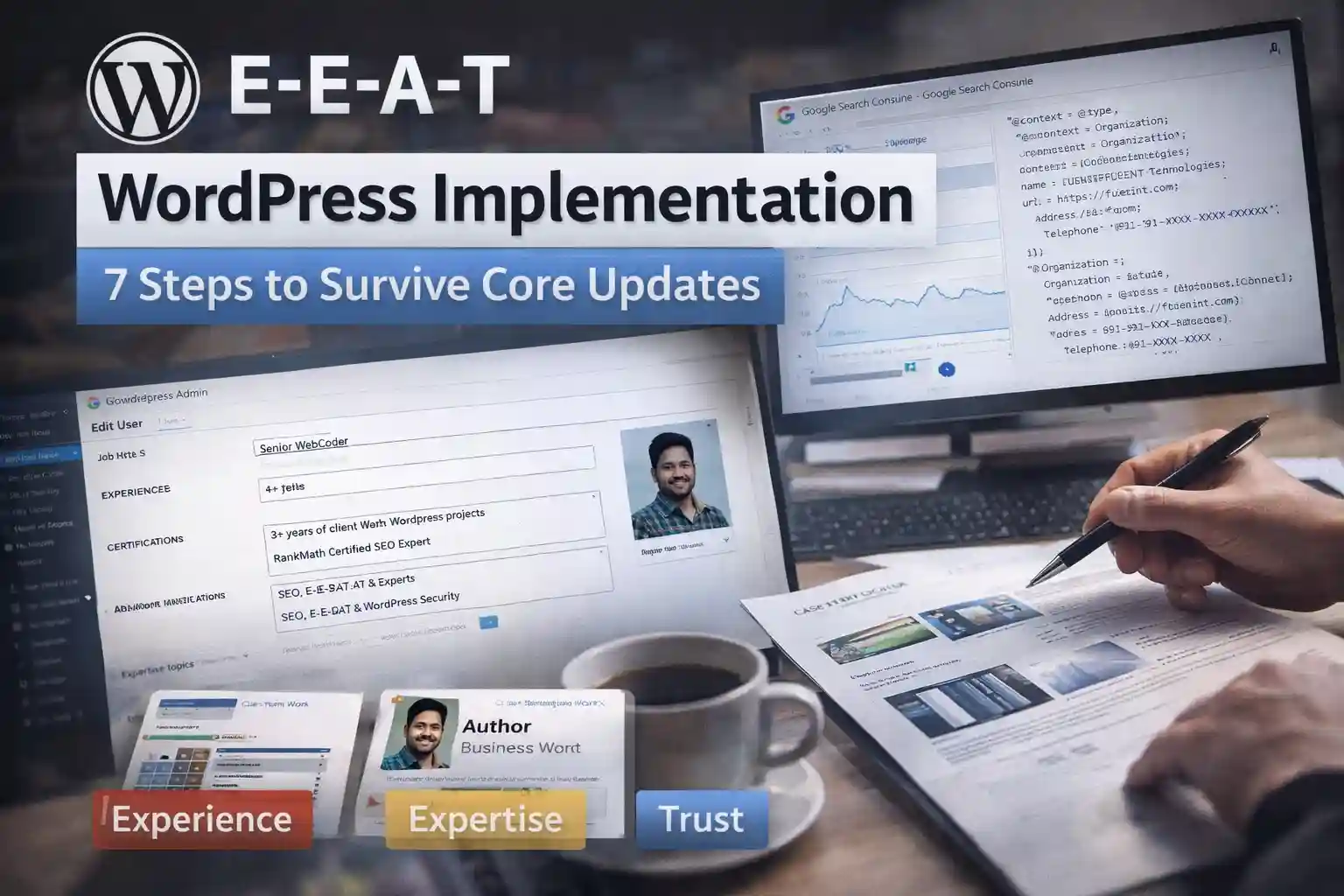
E-E-A-T WordPress Implementation: 7 Steps That Survive Core Updates
December 2025 core update killed 86% of AI content because it lacked E-E-A-T.
WordPress sites with real authors + proof gained 42-67% traffic.
This guide gives you exact code, plugins, schema to implement E-E-A-T properly. No fluff.
E-E-A-T = Your Survival Kit
| Signal | What Google Wants | WordPress Fix |
|---|---|---|
| Experience | "I did this" proof | Client case studies, screenshots |
| Expertise | Topic knowledge | Author bios, certifications |
| Authoritativeness | Site reputation | Backlinks + schema |
| Trustworthiness | Contact proof | Phone, address, SSL |
Your WordPress edge: Client work = instant experience signals.
Step 1: Enable Author Archives (RankMath)
RankMath → Titles & Meta → Authors → Enable Author Archives
Test: Visit /author/abinesh/ - must return 200 OK, not 404.
Step 2: Add Author E-E-A-T Fields (ACF Free)
Install ACF (free) → Tools → Import JSON:
{
  "key": "group_author_eeat",
  "title": "Author E-E-A-T",
  "fields": [
    {"key": "field_eeat_experience", "label": "Experience", "name": "experience"},
    {"key": "field_eeat_certifications", "label": "Certifications", "name": "certifications"},
    {"key": "field_eeat_knows_about", "label": "Expert Topics", "name": "knows_about"}
  ],
  "location": [{"param": "user_form", "operator": "==", "value": "all"}]
}
Fill for each author: Users → Edit → Scroll to E-E-A-T fields.
Step 3: Create Author Page Template
functions.php (add this):
function custom_author_template($template) {
    if (is_author()) {
        $new_template = locate_template(array('author-eeat.php'));
        if (!empty($new_template)) return $new_template;
    }
    return $template;
}
add_filter('template_include', 'custom_author_template');
author-eeat.php:
get_header();
$user_id = get_queried_object_id();
?>
<div class="author-bio">
  <img src="<?php echo get_avatar_url($user_id); ?>" alt="<?php the_author(); ?>">
  <h1><?php the_author(); ?></h1>
  <p><strong>Role:</strong> <?php echo get_field('job_title', 'user_'.$user_id); ?></p>
  <p><strong>Experience:</strong> <?php echo get_field('experience', 'user_'.$user_id); ?></p>
  <p><strong>Expert in:</strong> <?php echo get_field('knows_about', 'user_'.$user_id); ?></p>
  <h2>Recent Articles</h2>
  <?php if (have_posts()) : while (have_posts()) : the_post(); ?>
    <article><?php the_title(); ?></article>
  <?php endwhile; endif; ?>
</div>
<?php get_footer(); ?>
Step 4: Schema Templates (RankMath Pro)
RankMath → Schema Templates → Add New (5 templates):
1. Author knowsAbout
{
  "@context": "https://schema.org",
  "@type": "Person",
  "knowsAbout": <?php echo get_field('knows_about', 'user_'.get_the_author_meta('ID')); ?>
}
Display: All author archives
2. Organization Publisher
{
  "@type": "Organization",
  "name": "FUEiNT",
  "url": "https://fueint.com",
  "logo": "https://fueint.com/logo.png",
  "contactPoint": {
    "@type": "ContactPoint",
    "telephone": "+91-XXXX-XXXXXX",
    "contactType": "customer service",
    "email": "hello@fueint.com"
  }
}
Display: Homepage + Contact
Step 5: Contact Page Proof
Create /contact/ page:
FUEiNT Technologies
[Your Coimbatore Address]
Phone: +91-XXXX-XXXXXX [real number]
Email: hello@fueint.com
Google Maps embed ← Critical
Footer (all pages):
© 2025 FUEiNT Technologies Pvt Ltd. Coimbatore, India. GST: [your GST]
Step 6: Post-Level E-E-A-T
Every blog post needs:
By Abinesh S
Senior WordPress Developer, 3+ years
[Experience from ACF field]
Last updated: Dec 19, 2025
Sources:[11][12][13]
functions.php auto-add:
add_filter('the_content', 'add_author_box');
function add_author_box($content) {
    if (!is_single()) return $content;
    $author_id = get_post_field('post_author', get_the_ID());
    $experience = get_field('experience', 'user_'.$author_id);
    return $content . '
    <div class="author-box">
      <strong>By ' . get_the_author() . '</strong><br>
      ' . $experience . '
    </div>';
}
Step 7: Test Everything
| Tool | What to Check | Pass Criteria |
|---|---|---|
| Schema Validator | Author + Organization | No errors |
| GSC Rich Results | Author markup live | Green check |
| Mobile Test | Contact page | Phone clickable |
| Lighthouse | Core Web Vitals | LCP < 2.5s |
Key Takeaway
Implement today: Author archives + schema + contact proof = core update proof.
Your client work = instant Experience signals. Screenshot projects, link case studies.
AI content dies. Your real WordPress experience wins.
FAQs
Q: Free plugins only?
A: ACF Free + RankMath Free = 80% E-E-A-T. Pro schema = 100%.
Q: How long to see results?
A: Between core updates. Google said this Dec 11.
Q: Theme breaks author pages?
A: Use author-eeat.php template above. Overrides everything.
Q: Local business in Coimbatore?
A: Add Google Maps + GST + phone = instant Trust signals.