

When we talk about web performance, we often point fingers at JavaScript execution or unoptimized images. But CSS plays a surprisingly critical role in how fast your page paints and becomes interactive.
Inefficient CSS can block rendering, trigger expensive layout shifts, and drain battery life on mobile devices.
Here are the silent CSS killers destroying your page speed—and how to fix them.
🛑 1. The @import Chain Reaction
Using @import inside your CSS files is one of the most common performance mistakes. It forces the browser to download CSS files sequentially rather than in parallel.
The Problem:
/* style.css */
@import url('layout.css');
@import url('typography.css');
The browser downloads style.css, pauses, parses it, finds the imports, and ONLY THEN starts downloading layout.css. This is a classic "waterfall" effect that delays the First Contentful Paint (FCP).
The Fix:
load all your CSS files using the HTML <link> tag, which allows the browser to download them in parallel.
<link rel="stylesheet" href="style.css">
<link rel="stylesheet" href="layout.css">
<link rel="stylesheet" href="typography.css">
🛑 2. Render-Blocking CSS
By default, CSS is a render-blocking resource. The browser will not show any content until it has downloaded and parsed all CSS referenced in the <head>.
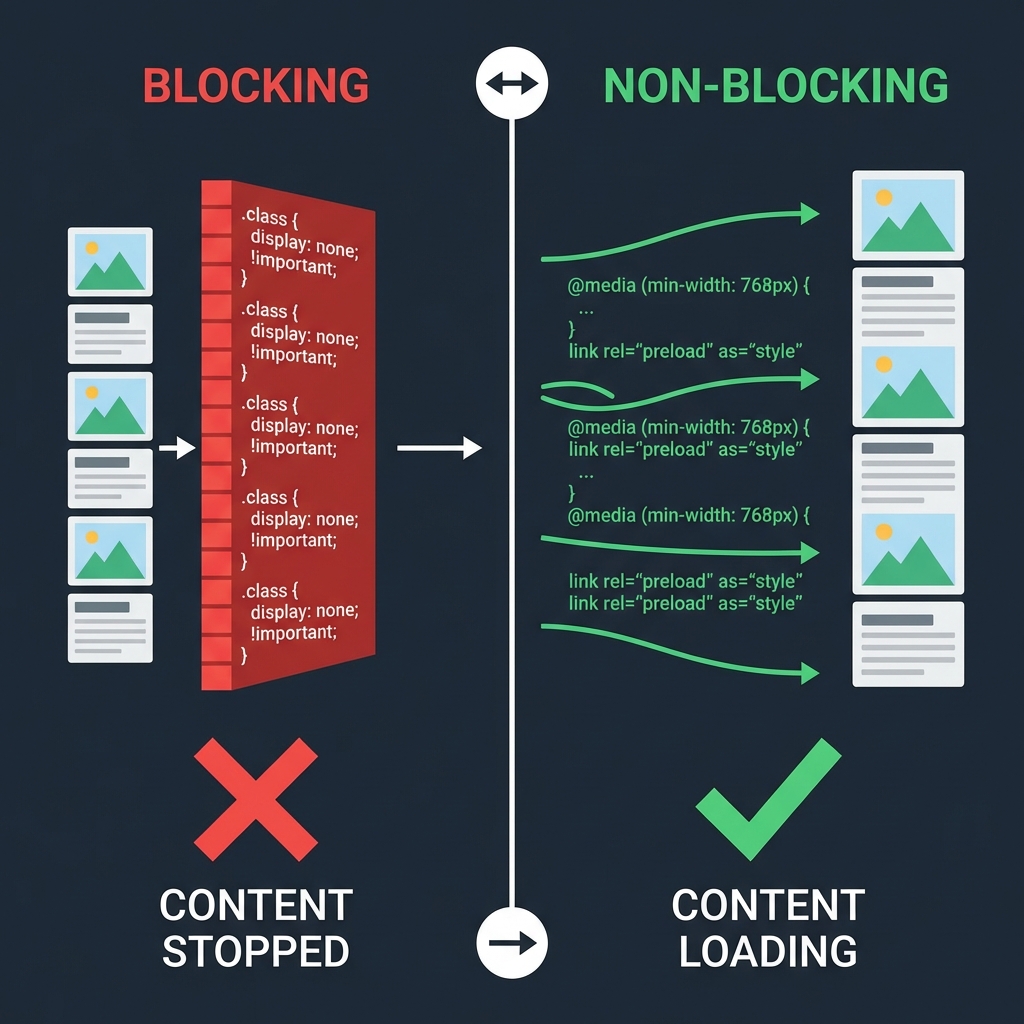
The Fix:
- Inline Critical CSS: Put the CSS required for the initial viewport directly in the
<head>in a<style>block. - Defer Non-Critical CSS: Load the rest of your CSS asynchronously.
<link rel="preload" href="styles.css" as="style" onload="this.onload=null;this.rel='stylesheet'">
<noscript><link rel="stylesheet" href="styles.css"></noscript>
🛑 3. Animating Expensive Properties
Not all CSS properties are created equal. Some trigger a "layout" or "paint" operation, which forces the browser to recalculate the position of every element on the page.
Avoid Animating These:
width/heighttop/left/margin/padding
Animating these causes Layout Thrashing, leading to janky animations (low FPS).
The Fix:
Stick to "Composite" only properties which are handled by the GPU:
transform: translate()transform: scale()opacity
Bad:
.box {
  transition: width 0.3s ease;
}
.box:hover {
  width: 200px; /* Triggers Layout! */
}
Good:
.box {
  transition: transform 0.3s ease;
}
.box:hover {
  transform: scaleX(1.5); /* GPU Optimized */
}
🛑 4. Massive Universal Selectors
While modern browser engines are fast, writing overly complex or universal selectors can still add up in large DOMs.
Inefficient:
div > * { ... } /* Forces browser to check every child of every div */Efficient:
.card-content { ... } /* Direct class lookup is blazing fast */Keep your selectors flat and class-based (BEM methodology is great for this).
🛑 5. Ignoring content-visibility
This is a modern CSS property that is a game changer for long pages. If you have a huge footer or a section far down the page, why pay the cost of rendering it before the user scrolls there?
The Fix:
Use content-visibility: auto to tell the browser "skip rendering this element and its contents until it approaches the viewport."
.heavy-section {
  content-visibility: auto;
  contain-intrinsic-size: 1px 1000px; /* Estimated size to prevent scroll bar jumping */
}
This can drastically reduce the Rendering time on initial load.
Final Thoughts
CSS is often overlooked in performance audits, but optimizing it can yield massive wins for Core Web Vitals, specifically LCP (Largest Contentful Paint) and CLS (Cumulative Layout Shift).
Quick Checklist:
- Remove
@import - Use
<link>tags - Animate
transformandopacityonly - Split critical vs non-critical CSS
- Use
content-visibilityfor off-screen content
Speed isn't just about Javascript. Keep your styles lean!